An Upright GO alternative with nothing stuck to your back.
Upright GO is a small sensor you stick to your upper back. It buzzes when you slouch, and plenty of people like it. If the adhesive, the charging or the price is what puts you off, here is how a coach that uses the AirPods you already wear compares.
 By Relja Bulajić, who builds AirPostureUpdated 6 min read
Short answer
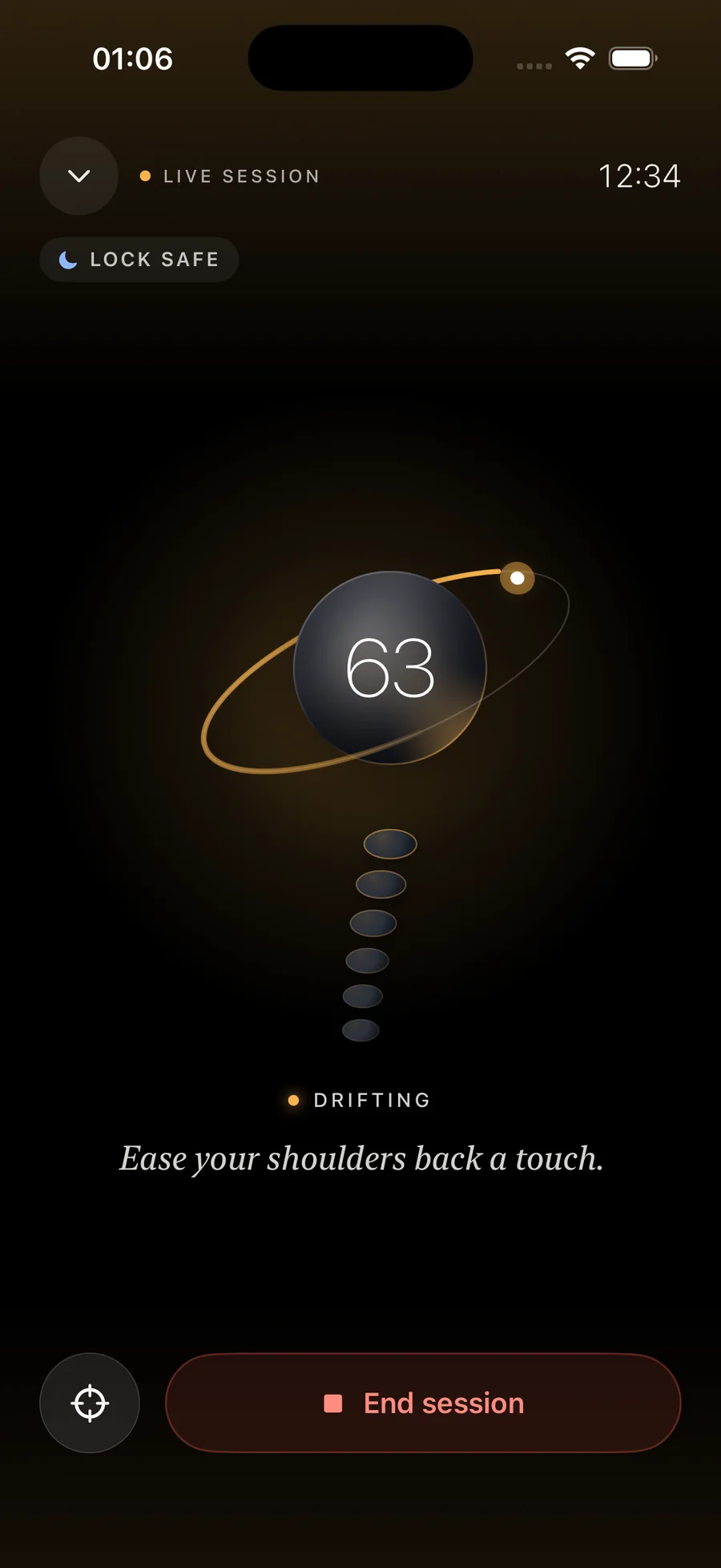
If you already wear AirPods at your desk, AirPosture does the same job without anything stuck to your back. It notices when you slouch and stay slouched, and tells you with a calm voice in your AirPods instead of a buzz.
The honest trade-off: Upright GO measures your upper back, AirPods measure your head. For the classic desk slump, where the head slides toward the screen, the head is the clearer signal. For a rounding lower back with a level head, a back sensor sees more.
What Upright GO is
Upright GO is a posture trainer: a small device worn on the upper back that vibrates when you lean forward and stops when you straighten up. A phone app sets goals and tracks your progress. In October 2026, the Upright website sells two models:
- Upright GO 2, with two movement sensors. It sticks on with an adhesive or hangs from a necklace. $79 at the time of writing, against a list price of $99.95.
- Upright GO S, with one sensor and an adhesive only. $59, against a list price of $79.95.
Reviews are mostly positive about the core idea. GearBrain gave the GO 2 8 out of 10 and said it “does one thing, and one thing well.”
Where people give up on it
The complaints are less about the idea and more about living with a device on your back:
- The adhesive. It has to be replaced over time, and the maker advises against wearing it in hot or humid conditions, where it can loosen and fall off. The GO 2 necklace avoids this.
- One more thing to charge and to remember to put on in the morning.
- It leans on the phone. GearBrain's reviewer noted it disconnects when the phone goes out of range, and that the vibration can be heard at the stronger settings.
- The price of a device that does one job.
How an AirPods coach compares
| Upright GO 2 | AirPosture | |
|---|---|---|
| What it measures | Upper back angle | Head angle |
| What you wear | A sensor on your back, stuck on or on a necklace | The AirPods you already use |
| How it tells you | Vibration | A calm voice, then a soft tone; or tone only |
| Charging | One more device | Nothing new |
| Where it works | With the phone app | iPhone, phone locked, and Mac |
| Cost | $59 to $79 for the device | Free 2 hours a day, Premium for all day |
When Upright GO is the better choice
- You don't wear AirPods for long stretches, or you have AirPods 1 or 2, which have no motion sensors.
- Your problem is the lower or middle back. If you sink into the chair while your head stays level, AirPods won't notice. A back sensor will.
- You want a silent buzz only you can feel. AirPosture can be set to a soft tone or to tap you through the phone instead of speaking, but a vibration on your back is more private still.
When AirPosture is the better choice
- Your AirPods are in for hours anyway. Calls, music, focus sounds. The sensor is already there and already charged.
- Your slump starts at the head. Leaning toward a laptop or down at a phone moves the head first, and that is exactly what AirPods measure. How that works.
- You want it to stay quiet when you sit well. AirPosture speaks only when a slouch holds. A glance at the keyboard never counts.
- You work on a Mac. The same coach lives in the menu bar. The Mac guide.
Try it before you buy anything
- Check your AirPods.AirPods 3, AirPods 4, AirPods Pro or AirPods Max.
- Install AirPosture.Free for two hours of coaching a day, with the full coach in that time.
- Sit tall and tap Set upright.From then on, everything is measured against how you sit when you sit well.
- Work as usual for a day.If the head-angle approach doesn't suit you, you have lost nothing, and you will know whether a back sensor is worth it.
Questions people ask
- Is Upright GO still sold?
- Yes. In October 2026 the Upright website sells the Upright GO 2 and the cheaper Upright GO S, with a 30-day money-back guarantee.
- Does AirPosture work without AirPods?
- No. It needs AirPods with motion sensors: AirPods 3, AirPods 4, any AirPods Pro or AirPods Max. AirPods 1 and 2 don't have them.
- Can I use both?
- Yes. They measure different things: Upright GO the angle of your upper back, AirPosture the angle of your head. Some people use a back sensor for a few weeks of training and AirPods for the everyday desk slump.
- Which one is cheaper?
- Upright GO is a one-time purchase of the device. AirPosture is free for two hours of coaching a day, with Premium for all day; prices for your country are on the App Store. If you already own compatible AirPods, there is nothing else to buy.

The sensor is already in your ears.
Put your AirPods in, sit tall once, and let the coach catch the slouch. Free for two hours a day.
Download AirPosture, free to startFree to start · iPhone & Mac · works with AirPods 3, 4, Pro and Max