Can AirPods track your posture?
Yes, if you have the right pair. The sensors that keep spatial audio pinned in place know exactly how your head is tilted. Here is what that tells you about your posture, and what it doesn't.
 By Relja Bulajić, who builds AirPostureUpdated 6 min read
Short answer
Yes. AirPods 3, AirPods 4, every AirPods Pro and AirPods Max carry an accelerometer and a gyroscope for head tracking, and apps on iPhone and Mac can read your head angle from them.
When your head drifts forward and down and stays there, that is a reliable sign you have started to slouch. AirPods can't see your lower back, so they track the head and neck part of posture: the part that changes most when you hunch toward a screen.
Which AirPods have motion sensors
Apple added head tracking for spatial audio, and with it the sensors a posture app needs. Not every pair has them.
| Model | Head tracking | Posture tracking |
|---|---|---|
| AirPods (3rd generation) | Yes | Yes |
| AirPods 4, both models | Yes | Yes |
| AirPods Pro, all models | Yes | Yes |
| AirPods Max | Yes | Yes |
| AirPods (1st and 2nd generation) | No | No |
Not sure which pair you have? Put them in, open Control Center on your iPhone and touch and hold the volume slider. If you see a spatial audio option called Head Tracked, your AirPods have the sensors.
What the sensors actually measure
AirPods report the orientation of your head dozens of times a second, as three angles:
- Pitch, nodding forward and back. This is the one that matters for posture.
- Roll, tilting an ear toward a shoulder.
- Yaw, turning left and right.
When you sit tall, your head rests over your shoulders. As you sink toward a laptop, the chin slides forward and the head tips down. Pitch moves by a few degrees and stays moved. That sustained change, compared with how you sit when you sit well, is the slouch.
Why head angle is a good signal, and where it stops
The forward head is the classic desk slump, and it shows up in the numbers well before you notice it yourself. It also works anywhere you wear AirPods: at a desk, on the couch, on a walk. But it has limits, and a good tracker is built around them.
- It measures your head, not your spine. If your lower back collapses while your head stays level, AirPods won't know.
- A glance down looks like a slouch. Reading notes or checking your phone tips the head for a moment. That's why the angle has to hold before anything happens, instead of firing on every glance.
- Everyone's upright is different. Your head angle has to be compared with your own baseline, not a textbook number.
- It is a coach, not a medical device. If you have pain, a physiotherapist is the right person to see.
How AirPosture turns this into a coach
AirPosture is built on one idea: your AirPods are already in your ears for hours a day, so the sensor costs nothing extra. The hard part is making the coaching quiet enough to keep on all day.
- You set your own upright. Sit tall once and tap Set upright. Everything after that is measured against you.
- It speaks only when a slouch holds. A calm voice in your AirPods says something like “Lift your chin.” If it happens again, a soft tone reminds you instead of the same sentence.
- Your phone can stay locked. Coaching keeps going with the iPhone in your pocket or face down on the desk.
- On a Mac, it lives in the menu bar. The same coach, with a small panel that folds out of the notch. More in the Mac guide.
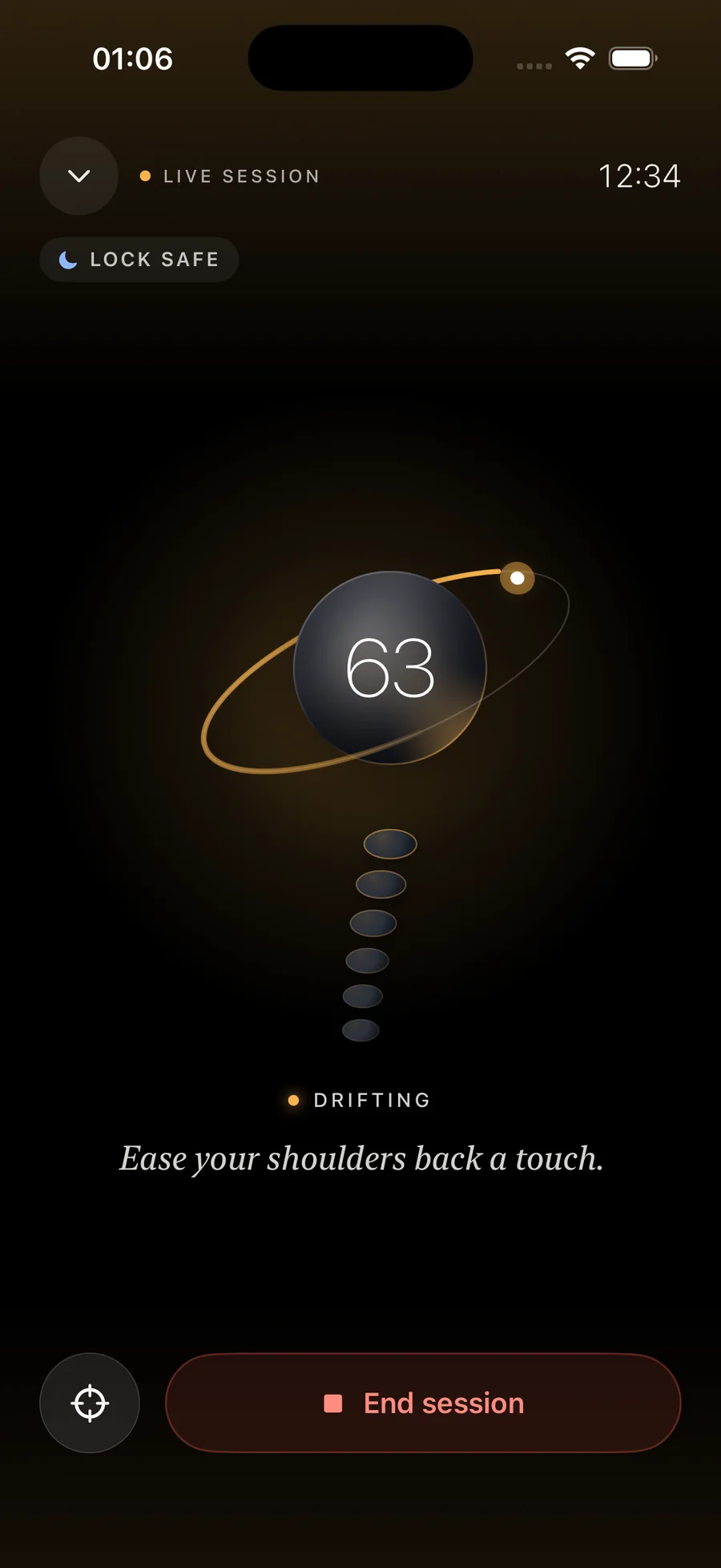
Try it with your own AirPods
- Check your model.AirPods 3, AirPods 4, AirPods Pro or AirPods Max.
- Install AirPosture and connect your AirPods.Allow motion access when the app asks. That is how it reads the head angle.
- Sit tall and tap Set upright.Shoulders relaxed, screen at eye level if you can.
- Start a session and work as usual.Lock the phone if you like. The coach will speak up when it matters.
AirPosture is free for two hours of coaching a day. Premium keeps it on all day.
Questions people ask
- Can AirPods 2 track posture?
- No. AirPods (1st and 2nd generation) have no head-tracking sensors. You need AirPods 3, AirPods 4, any AirPods Pro or AirPods Max.
- Do I have to play music for it to work?
- No. The AirPods only need to be in your ears and connected to your iPhone or Mac. You can listen to anything, or to nothing at all.
- Does it use the camera?
- No. AirPosture reads only the motion sensors in your AirPods. There is no camera and nothing to point at you.
- Can AirPods track posture while walking?
- Yes. AirPosture also coaches on the move, with the phone in your pocket, and tells you when your head keeps dropping toward the ground.

Your AirPods are already in.
Put them in, sit tall once, and let the coach catch the slouch for you.
Download AirPosture, free to startFree to start · iPhone & Mac · works with AirPods 3, 4, Pro and Max